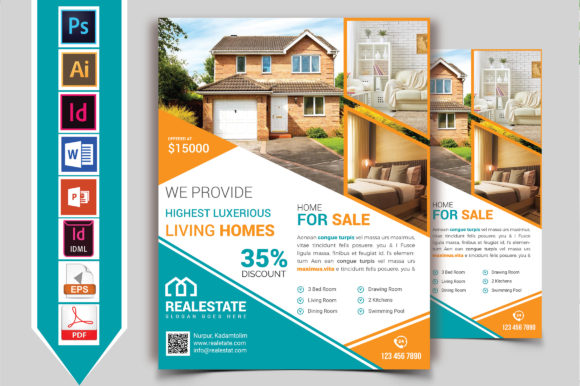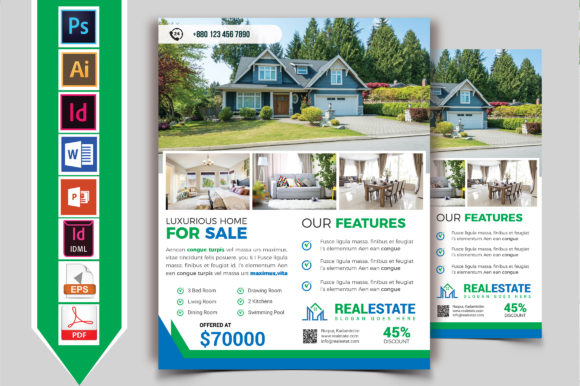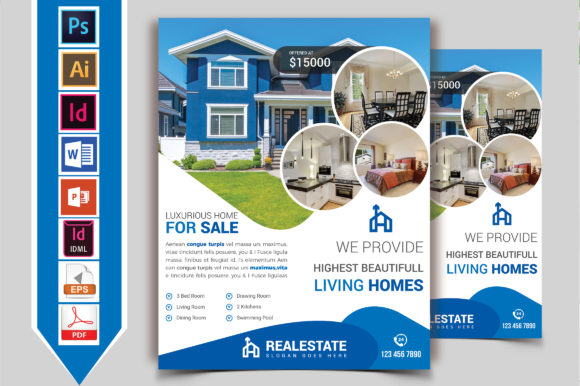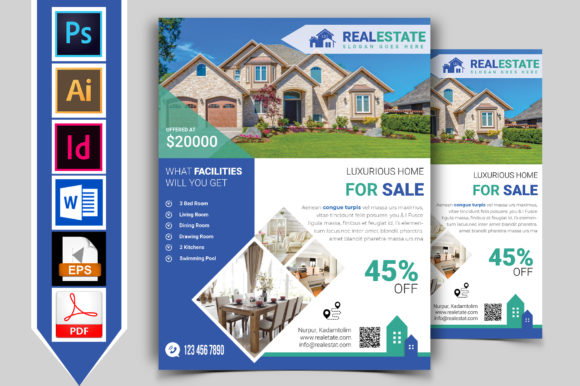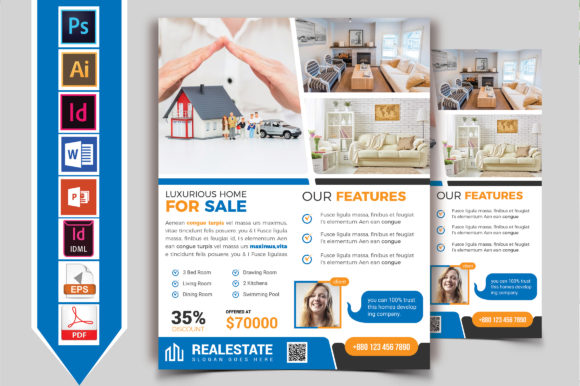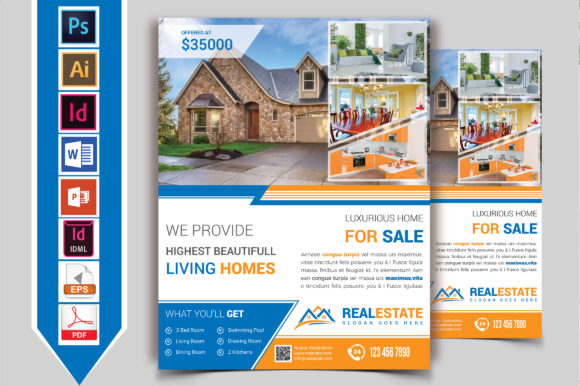
Real Estate Flyer Template Vol-05: Smart Choices for Clear, Professional Marketing
If you're preparing to list a property—or help others do it—you know first impressions matter. A well-designed flyer communicates value, builds trust, and moves prospects from curious to committed. Real Estate Flyer Template Vol-05 is built for that moment: a ready-to-use, customizable layout designed specifically for residential listings, open houses, and agent-branded promotions. It’s not just another generic design—it includes thoughtful spacing for high-res photos, clear hierarchy for key selling points (price, beds/baths, unique features), and flexible sections for neighborhood highlights or financing notes. What makes it stand out isn’t flashiness, but function: it assumes you’re time-pressed, not design-trained, and need something that works straight out of the download.
Assuming “Ready-to-Use” Means “No Setup Needed”
Many users open Real Estate Flyer Template Vol-05 expecting to drop in text and hit print—only to find placeholder fonts missing, image frames misaligned on certain printers, or color profiles shifting from screen to paper. That’s not a flaw in the template; it’s a mismatch between expectation and workflow reality. These templates are built for editing in tools like Adobe InDesign, Canva (Pro version), or Affinity Publisher—not basic word processors. Using them in Microsoft Word or Google Docs often breaks layout integrity, especially with layered graphics or bleed settings.
Here’s what helps: before inserting your listing details, open the file in its intended editor and check three things—bleed settings (usually 0.125" for professional printing), linked vs. embedded images (linked files won’t travel with the document unless packaged), and font licensing. Vol-05 uses open-source or commercially licensed typefaces—but if you swap in a custom font without verifying usage rights, your printed flyer could display fallback text or trigger compliance issues.
Overlooking How Audience Shapes Design Choices
A common oversight is treating every flyer the same way—whether marketing a downtown condo to young professionals or a historic farmhouse to retirees. Real Estate Flyer Template Vol-05 supports customization, but only if you use it intentionally. For example, its “Neighborhood Snapshot” section shines when filled with walkability scores, school ratings, or local business highlights—but feels empty if left with generic phrases like “great area!” Likewise, the “Why Buyers Love This Home” callout box works best with concrete, sensory language (“morning light floods the kitchen,” “low-maintenance native landscaping”) instead of vague claims (“beautiful home”).
Try this instead: sketch two versions of the same listing—one for investors (emphasizing cap rate, rental history, tax incentives) and one for owner-occupants (focusing on lifestyle, commute time, renovation potential). You’ll quickly see how Vol-05’s modular structure adapts—without needing a new template altogether.
Skipping the Print & Proof Step—Even Once
Digital previews lie. Colors look richer on screen. Text appears sharper. Margins seem generous—until your printer trims 1/8" off the edge. One of the most avoidable yet frequent missteps is sending Real Estate Flyer Template Vol-05 straight to bulk print without a physical proof. Even small shifts—like a headline running too close to the fold or QR code resolution dropping below 300 DPI—can undermine credibility.
Fix it simply: order one test copy on your target paper stock (glossy vs. matte matters more than you think), hold it under the same lighting as your office or staging area, and ask a colleague to scan it for 5 seconds. If they can’t instantly spot the price, address, or contact info, revisit hierarchy and contrast—not just font size. Vol-05’s grid-based layout makes these adjustments fast: increase headline weight, adjust background opacity behind text blocks, or reposition the agent headshot to anchor visual flow.
Misjudging File Format Needs Across Use Cases
You might download Real Estate Flyer Template Vol-05 as an INDD file (InDesign), but then share a flattened PDF with a client who wants to tweak the description. That PDF isn’t editable—so they either send back messy Word edits or request constant revisions. Worse, some users export JPEGs for email blasts, forgetting that compression blurs fine text and reduces scannability for mobile viewers.
Better approach: keep the master INDD (or equivalent) secure, and generate two derivatives—one high-res PDF/X-4 for commercial printing, and one interactive PDF with working links, embedded video thumbnails, and accessible tags for digital sharing. Most modern editors let you export both from the same source. And if your client needs light edits, provide a Canva-compatible version (Vol-05 includes a Canva-ready variant) with locked structural layers—so they change copy but don’t disrupt alignment or branding.
Underestimating Consistency Beyond the Flyer
A flyer doesn’t exist in isolation. It’s part of a buyer’s journey that may include a Zillow listing, social post, door hanger, or follow-up email. When Real Estate Flyer Template Vol-05 uses teal accents and clean sans-serif headings, but your Instagram posts use navy and serif fonts, the disconnect dilutes recognition—even if the logo matches. Brand cohesion multiplies impact; inconsistency divides attention.
Before finalizing your Vol-05 flyer, cross-check three touchpoints: your MLS description tone, your agent bio on the brokerage site, and your most recent Facebook ad. Are the value propositions aligned? Is the voice warm but authoritative—not salesy or overly casual? Does the photo style (bright and airy vs. moody and dramatic) match across platforms? Small harmonizations here make the flyer feel like a natural extension—not an afterthought.
What to Verify Before Downloading or Buying
Before adding Real Estate Flyer Template Vol-05 to your toolkit, confirm these four points:
- Software compatibility: Does your current design tool support the included file types—and do you have licenses for required fonts or plugins?
- License scope: Can you use it for multiple clients? Is white-labeling permitted? Are there restrictions on resale or redistribution?
- Support & updates: Is there documentation, video walkthroughs, or responsive creator support—not just a static download?
- Real-world adaptability: Does the template include alternate layouts (e.g., front/back single sheet, tri-fold, or digital-only version) or just one rigid format?
Vol-05 excels when treated as a foundation—not a finish line. Its strength lies in flexibility, not perfection. Use it to clarify your message, not complicate your process. When you align the template’s structure with your audience’s priorities—and your own operational realities—you turn a simple flyer into a reliable, repeatable asset. Not just for one listing—but for dozens.