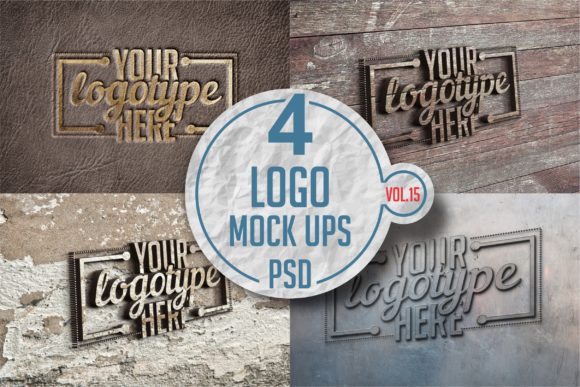
Logo Mock-up Pack 15: Real-World Uses You’ll Actually Reach For
If you’ve ever handed a client a flat logo file and watched their eyes glaze over—wondering how it’ll look on a storefront, a coffee cup, or an Instagram story—you already know why Logo Mock-up Pack 15 exists. It’s not just another collection of shiny Photoshop files. It’s a practical toolkit designed for moments when context matters more than pixels.
What Logo Mock-up Pack 15 Actually Is (and What It’s Not)
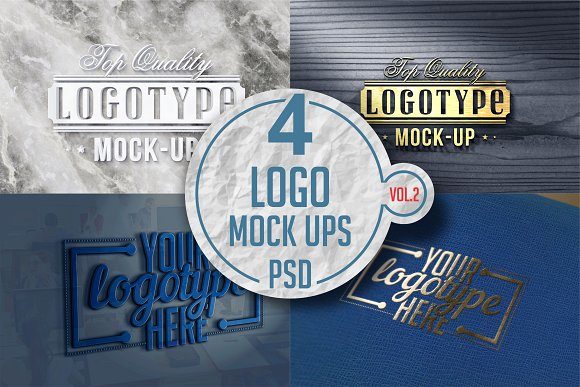
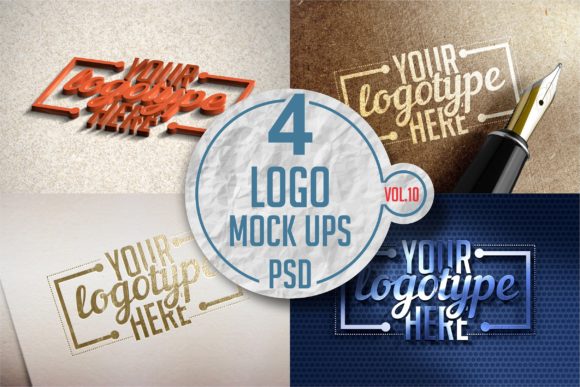
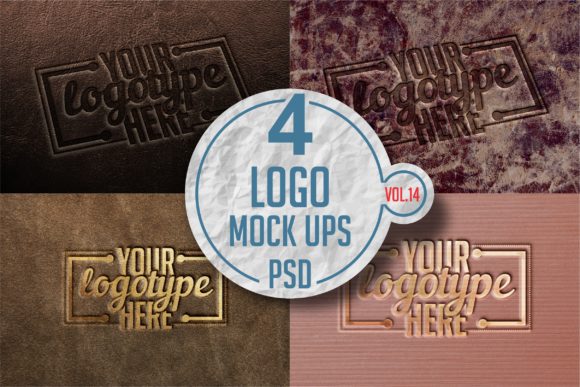
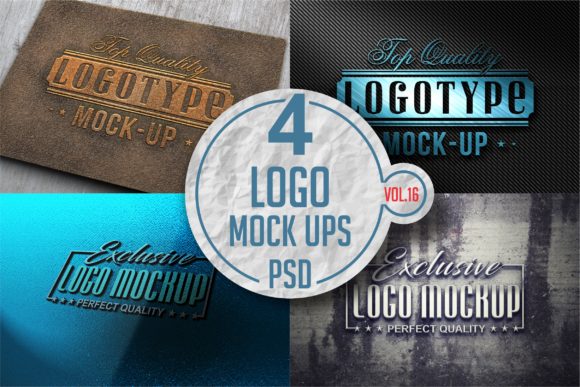
Logo Mock-up Pack 15 is a curated set of high-resolution, layered PSD mock-ups—each built to showcase logos in realistic, everyday environments. Think: a minimalist logo on matte ceramic coasters, a bold wordmark reflected in brushed steel signage, or a playful icon printed on organic cotton tote bags. These aren’t generic templates with placeholder text; they’re thoughtfully composed scenes—lighting, texture, perspective, and subtle imperfections included—that help viewers instantly grasp scale, tone, and application.
It’s not a design tool, a font library, or a logo generator. You won’t find AI-powered layout suggestions or drag-and-drop editors here—and that’s intentional. This pack assumes you’ve already done the creative work. Its job is to help you present it with confidence, clarity, and credibility.
Freelancers Pitching to Small Businesses
A local bakery owner doesn’t care about vector paths—they care whether your logo looks warm and inviting on their apron and pastry box. With Logo Mock-up Pack 15, you can drop your design into a rustic wood counter scene or a hand-stamped kraft paper bag mock-up in under two minutes. That visual leap—from abstract shape to tangible brand object—often shortens approval cycles by days. One designer shared how using the “Café Counter” mock-up helped her land a repeat client after the owner said, “Now I finally *see* where it lives.”
In-House Marketers Launching Internal Campaigns
When rolling out a new departmental logo or internal initiative, stakeholders need quick alignment—not lengthy briefings. A marketing lead at a regional hospital used the “Conference Banner” and “Laptop Lid” mock-ups from Logo Mock-up Pack 15 to preview branding across event materials and remote-work assets. Because the mock-ups matched their actual AV setup and device fleet, leadership approved the rollout without requesting revisions.
Design Students Building Portfolio Depth
Students often show clean logo variations—but hiring managers want proof you understand implementation. Dropping the same logo into three distinct contexts from Logo Mock-up Pack 15—say, a sleek tech badge, a textured fabric patch, and a frosted glass door—demonstrates spatial awareness, material intuition, and audience adaptation. It quietly answers the unspoken question: “Can this student think beyond the artboard?”
Industries That Get Unexpected Value
- Eco-conscious brands: The “Recycled Paper Tag” and “Unbleached Cotton Tee” mock-ups lend instant authenticity—no greenwashing required. Texture and tone do the talking.
- Professional services (law, finance, consulting): The “Mahogany Desk Plaque” and “Leather-Bound Notebook” options communicate gravitas without cliché serif fonts or stock imagery.
- Food & beverage startups: The “Glass Bottle Label,” “Stainless Steel Tap Handle,” and “Bakery Box” mock-ups let founders visualize shelf presence before committing to physical samples—saving hundreds in early prototyping costs.
Things to Consider Before You Use It
Not every mock-up fits every need—and that’s okay. Here’s what seasoned users keep in mind:
- Lighting direction matters. If your logo has strong shadows or gradients, match the light source in the mock-up. A top-lit logo dropped into a side-lit mug scene will look off—even if it’s technically “in place.”
- Scale isn’t always intuitive. The “Business Card” mock-up may render your logo larger than industry standards. Always double-check proportions against real-world specs before finalizing presentations.
- Backgrounds aren’t neutral. That soft concrete wall behind your logo? It subtly signals industrial, urban, or minimalist vibes. Choose intentionally—not just for aesthetics.
- Layer organization varies. While all files in Logo Mock-up Pack 15 are PSD-based and well-named, some require minor blending mode tweaks for optimal integration—especially with metallic or translucent surfaces.
Strengths That Stand Out in Practice
What makes Logo Mock-up Pack 15 feel different in daily use?
- Consistent realism, not just variety. Every scene includes natural grain, ambient occlusion, and believable reflections—not just sharp edges and perfect lighting.
- No “stocky” sterility. Unlike many packs that lean heavily on studio backdrops, this one features lived-in textures: slightly warped wood, faint coffee stains on notebooks, subtle dust on shelf surfaces.
- Smart layer grouping. Logo placement layers are clearly labeled and isolated—so swapping designs across multiple mock-ups takes seconds, not rework.
- Print-ready resolution baked in. Even the smallest mock-ups (like USB drive or pen) export cleanly at 300 DPI—no upscaling guesswork when prepping for print vendors.
Limitations Worth Acknowledging
It’s honest to say Logo Mock-up Pack 15 isn’t built for every scenario—and that’s part of its strength. It doesn’t include animated mock-ups, 3D rotations, or AR previews. If your project demands interactive or motion-based presentations, you’ll need complementary tools.
It also assumes basic Photoshop familiarity. While no advanced scripting or plugin knowledge is needed, users expecting one-click “drag and done” experiences may find the smart-object workflow unfamiliar at first. That said, most report getting comfortable within one or two uses—and appreciate the control it gives them over final output quality.
When It Becomes Part of Your Routine
You’ll know Logo Mock-up Pack 15 has earned its place when it stops being “a resource you open” and starts being “where your process naturally lands.” Like keeping your favorite brush preset or type scale ready, these mock-ups become reflexive tools—not because they’re flashy, but because they reliably close the gap between idea and understanding.
One agency creative director described it like this: “We don’t ask ‘Should we use a mock-up?’ anymore. We ask ‘Which one helps this client *feel* the brand first?’ And more often than not, the answer’s in Pack 15.”
Final Thought: Context Is the First Layer of Design
A logo isn’t just shapes and colors—it’s a promise made in context. Whether it’s stitched onto a nurse’s uniform, laser-etched on a lab beaker, or pixel-perfect on a dark-mode app interface, its meaning shifts with its setting. Logo Mock-up Pack 15 doesn’t replace strategy or craft. It simply gives that craft the grounded, human-scale stage it deserves—so your work isn’t just seen, but truly recognized.