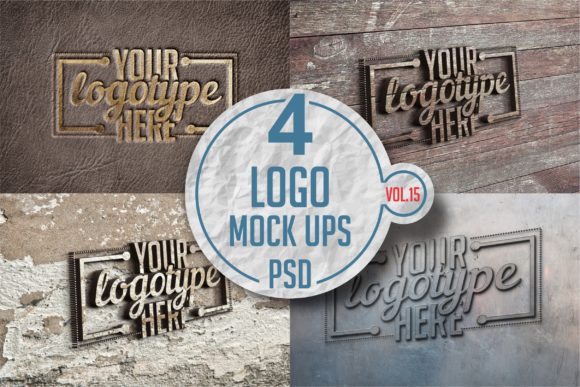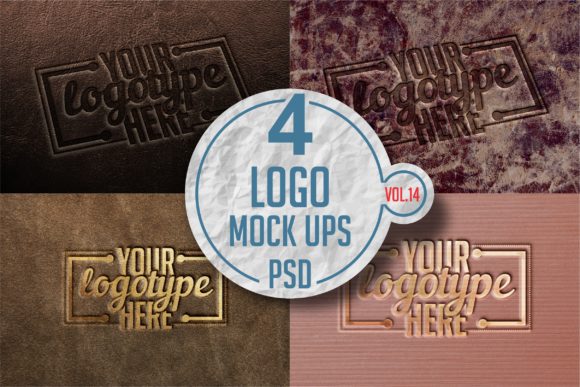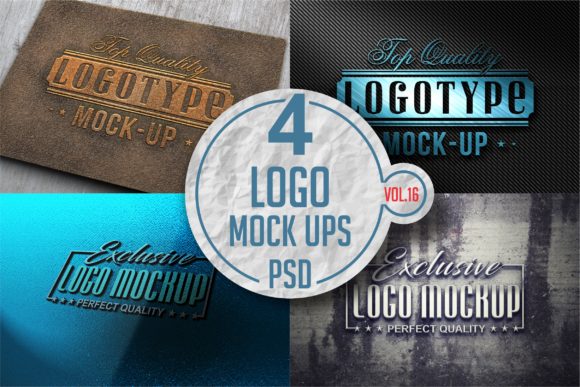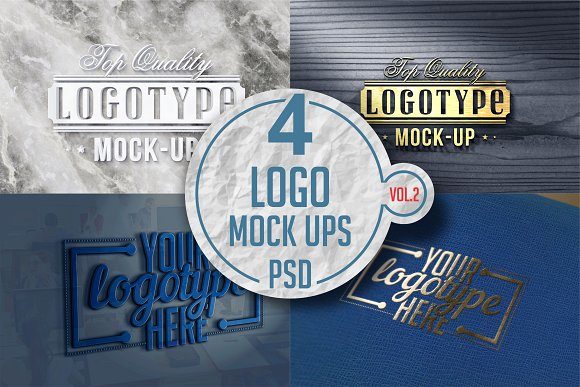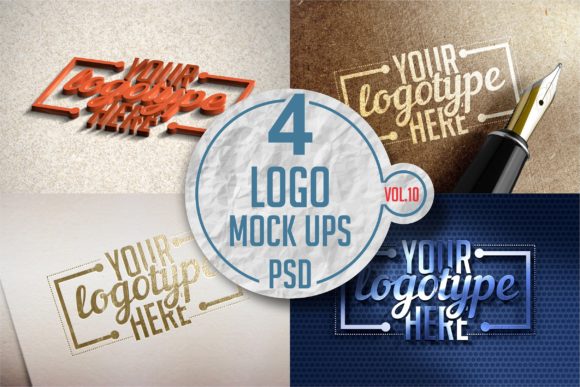
Logo Mock-up Pack: Realistic Brand Presentations
Imagine presenting your logo not as a flat PNG—but on a sleek laptop screen, embossed on a matte business card, or glowing softly on a storefront window. That’s the immediate impact of a Logo Mock-up Pack: a curated set of high-fidelity, editable scenes designed to showcase logos in real-world contexts. It’s not just about polish—it’s about clarity, credibility, and connection. When clients, collaborators, or customers see your design where it will actually live, they understand its purpose faster and trust it more.
What Makes a Logo Mock-up Pack More Than Just a Template?
A strong Logo Mock-up Pack goes beyond static backgrounds. It includes layered PSD or Figma files with smart objects—so you drop your logo in once, and it updates across every angle, lighting condition, and surface texture. You’ll find variations for digital (website headers, app icons, social profile banners), print (letterheads, packaging, signage), and environmental use (storefronts, trade show booths, vehicle wraps). What sets quality packs apart is realism: subtle shadows, accurate material reflections (brushed metal, frosted glass, uncoated paper), and perspective-correct placement that respects real-world proportions.
Creative Flexibility Without Compromise
These aren’t rigid frames—they’re springboards. A single mock-up can support multiple interpretations. Try swapping background colors to match seasonal campaigns. Adjust lighting intensity to evoke energy (bright, crisp) or calm (soft, diffused). Layer in contextual elements—like a coffee cup beside a café logo mock-up or a notebook next to an educator’s branding—to suggest usage without cluttering the composition. The best packs include alternate views (front, 3/4, overhead) so you can choose the angle that best supports your message—not just the one that looks “cool.”
Practical Uses Across Roles and Goals
Different users lean into different strengths of a Logo Mock-up Pack, depending on their workflow and audience:
- Freelancers & designers use them to deliver polished presentation decks—no need to build scenes from scratch before client feedback. Showing three distinct applications (e.g., app icon + branded tote + email signature) helps clients visualize scalability early.
- Small business owners apply them directly to social bios, pitch decks, or crowdfunding pages. A logo on a clean product box mock-up builds instant legitimacy—even before inventory arrives.
- Educators & workshop leaders use simplified versions to teach brand consistency: “Here’s how the same logo works on a pen, a website, and a banner—notice how sizing, spacing, and contrast shift subtly but intentionally.”
- Bloggers & content creators embed mock-ups in tutorials (“How I refined my brand identity”) or case studies (“Before/after with real context”). Viewers retain visual examples far longer than bullet points.
Keeping Presentations Clear and Audience-Focused
Realism only helps if it serves understanding—not distraction. Avoid overloading mock-ups with unnecessary props or busy backgrounds. If your audience is investors, prioritize clean, professional settings (office desk, presentation screen, investor deck slide). For Gen Z-focused brands, consider mock-ups with authentic lifestyle context—a logo on a reusable water bottle held at a music festival, or stitched onto a denim jacket sleeve. Always ask: Does this setting reflect where my audience actually encounters brands like mine?
Consistency matters across formats, too. Use the same lighting tone (warm vs. cool), shadow depth, and edge treatment across all mock-ups in a single presentation. That subtle uniformity signals intentionality—not randomness. And when sharing files with others, name layers clearly (“Logo_SmartObject”, “Background_Color”) so collaborators can adapt quickly without reverse-engineering.
Ideas to Spark Your Next Application
You don’t need a big project to benefit. Start small—and specific:
- Refresh your own LinkedIn banner using a subtle desktop screen mock-up with your logo in the top-left corner and a soft gradient background. It feels intentional, not stock.
- Build a mini-brand guide for a side project: 3 mock-ups (favicon + email header + Instagram story frame) exported as a single PDF. Share it with beta users to gather feedback on real-world legibility.
- Create a “brand-in-action” social post: overlay a short caption (“Our logo, ready for your café counter”) on a mock-up of a ceramic mug with steam rising—then link to your design services.
- Test color variants fast: paste your logo in both dark and light modes within the same device mock-up. See which version holds up at thumbnail size—or on a dimly lit phone screen.
Choosing and Using Packs Thoughtfully
Not all Logo Mock-up Packs serve the same needs. Check file compatibility first—PSD remains widely supported, but Figma-native packs offer smoother collaboration for remote teams. Look for packs with organized layer groups, clear documentation, and commercial licenses if you’ll use outputs for client work. Avoid those with excessive effects baked in (glows, bevels) unless you plan to keep them; they limit flexibility.
And remember: mock-ups are tools—not substitutes for thoughtful design decisions. They won’t fix poor typography hierarchy or weak color contrast. Use them to amplify what’s already working—not to mask underlying issues. When your logo is sharp, legible, and conceptually grounded, the mock-up simply gives it room to breathe and resonate.
A Logo Mock-up Pack earns its place in your toolkit when it saves time *and* deepens impact—when it helps you move faster without sacrificing clarity, and present ideas with quiet confidence. It’s not about making things look expensive. It’s about making them feel considered, credible, and ready.